
FLIPBOOK COMPONENT
For RapidWeaver Elements
Go ahead.
Flip out.
Magazines, lookbooks, portfolios, and more. Turn your favorite pages into an experience worth exploring.
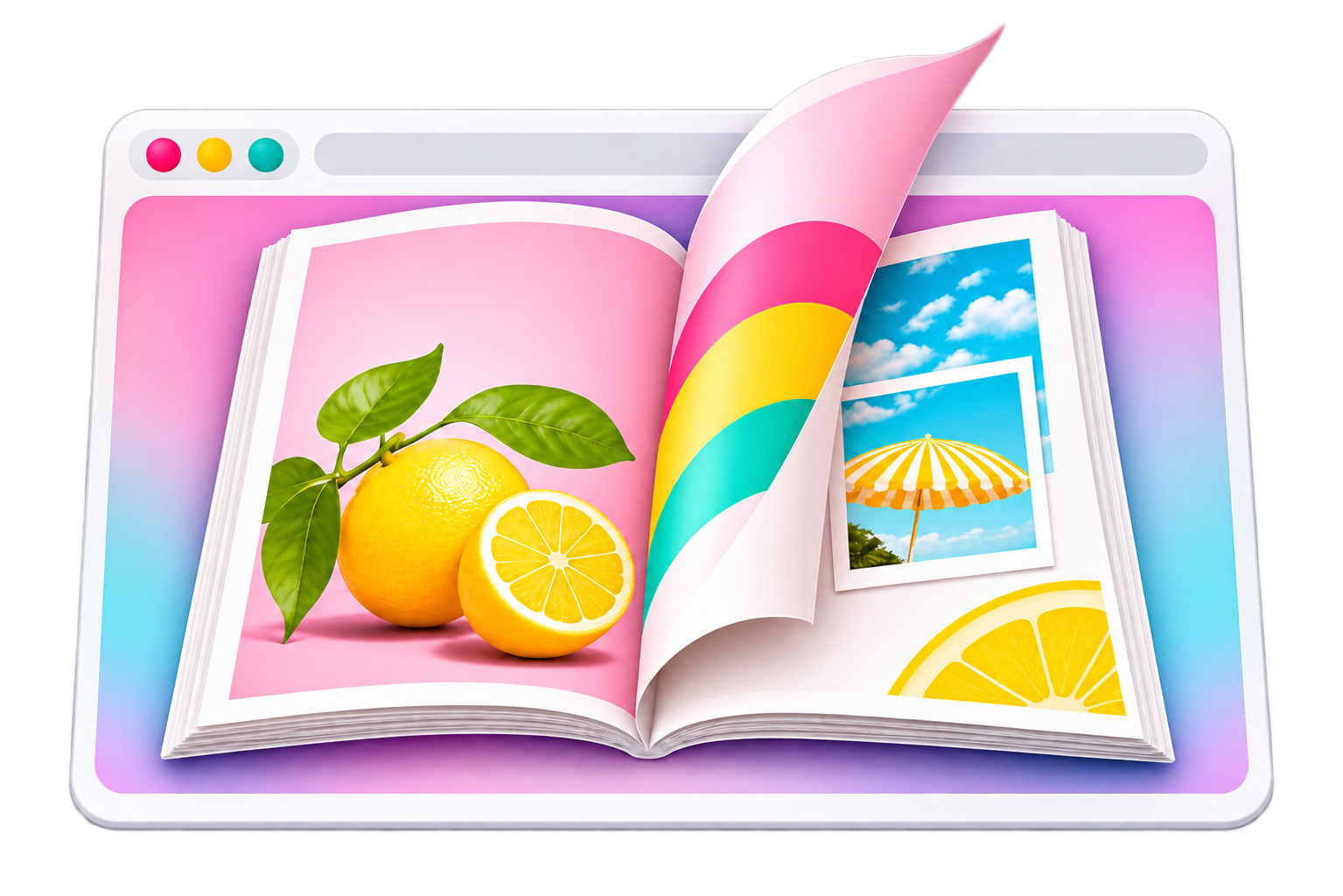
Versatile Layouts
Use landscape, portrait, square, and more.
Style It Your Way
Customize the look, feel, and controls to match your site.
Realistic Page Turning
A smooth, modern flip effect that feels like the real thing.
Looks Great Everywhere
Fully responsive and mobile-friendly.
MAKE IT YOURS
Small on setup.
BIG on customization.
Drop in your images, choose your style, and fine-tune the details. From page turning to navigation, sounds, and downloads — you’re in control.
4 Aspect Ratios
Custom SVG Icons
Optional Audio
PDF Downloads
EASY AS 1, 2, FLIP
From folder to Flipbook.
01
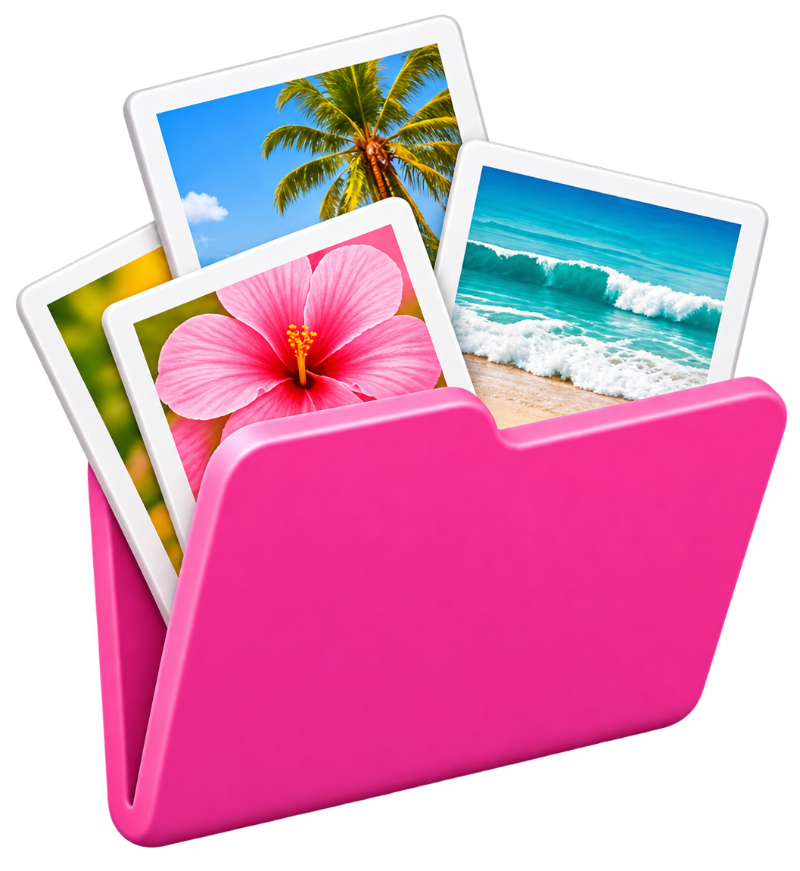
Drop it in.
Add a folder of images for your book.
02
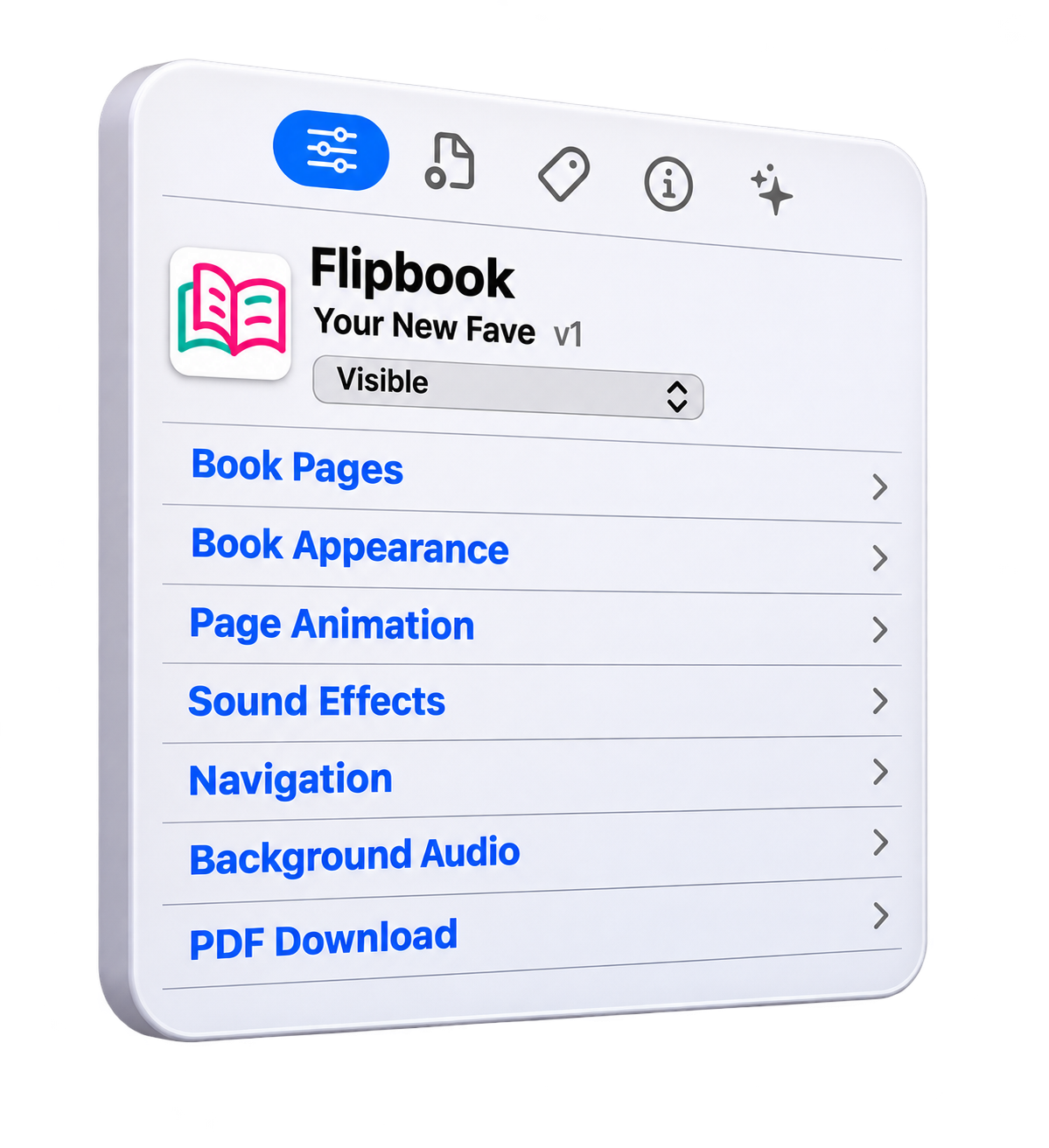
Make it yours.
Adjust the look, feel, and controls in the Inspector.
03
Flip away!
Preview, publish, and share your interactive book.
See It in Action
Explore a few ways to use the Flipbook Component.




♡ A LITTLE INTRODUCTION
New to RapidWeaver?
RapidWeaver Elements is a creative website builder for Mac. Design beautiful, responsive websites visually, customize them your way, and bring your ideas to life—no coding required.
Learn More ↗Flipbook is an add-on component for RapidWeaver Elements.
Love at first flip?
Add the Flipbook Component to your toolkit today and start creating page-turning experiences of your own.
Get Flipbook ↗